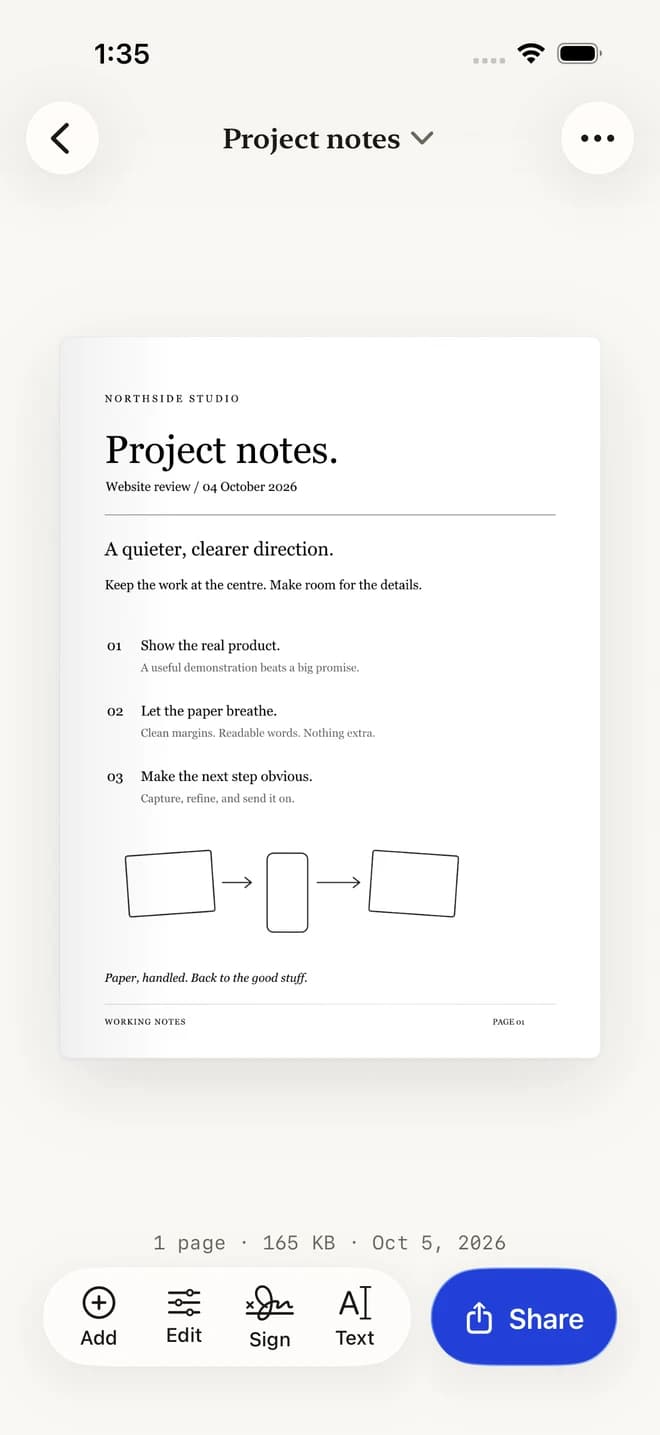
Keep it together.
Combine pages into one document. Reorder, remove, or add a page before export.
 Scan ITPaper, simplified.Get the app ↗
Scan, sign, and share a PDF.
All from your iPhone.
Paper becomes a clear digital document.
 Free to download · In-app purchases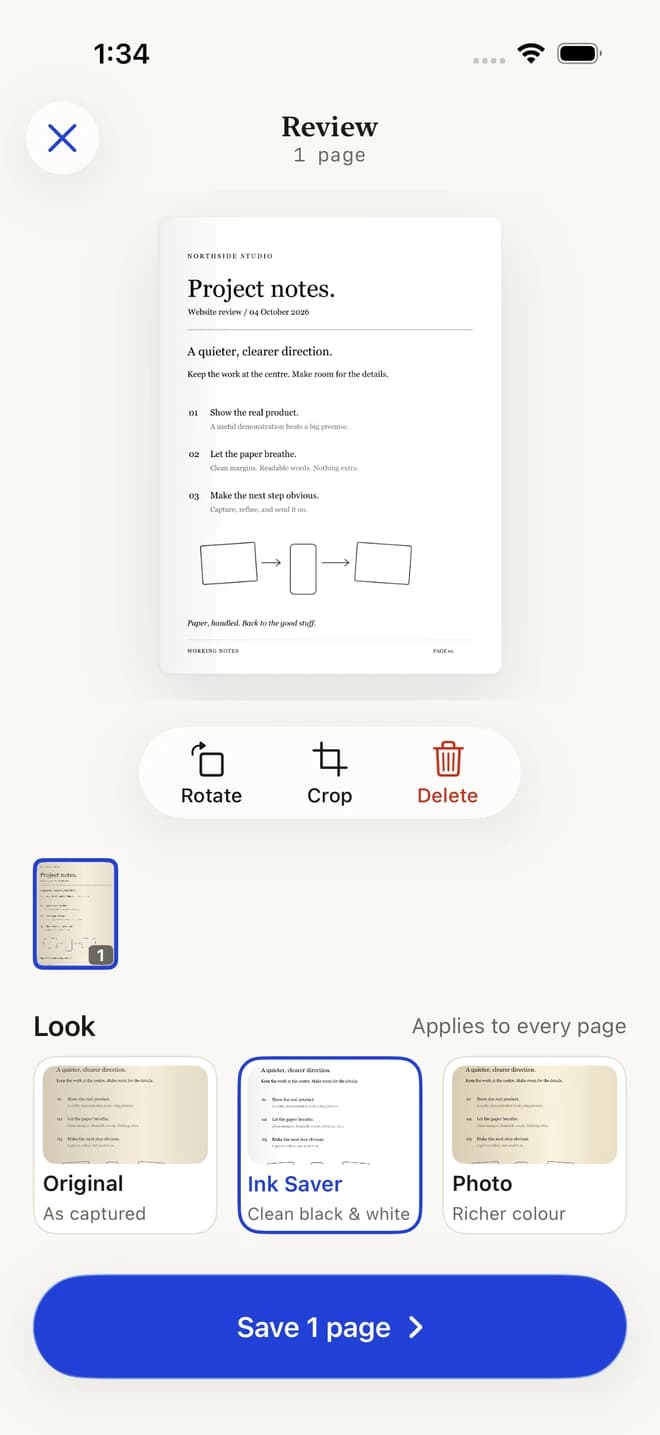
Drag the timeline to explore · App screens captured in the simulator · Workflow illustrated
01 / A clearer page
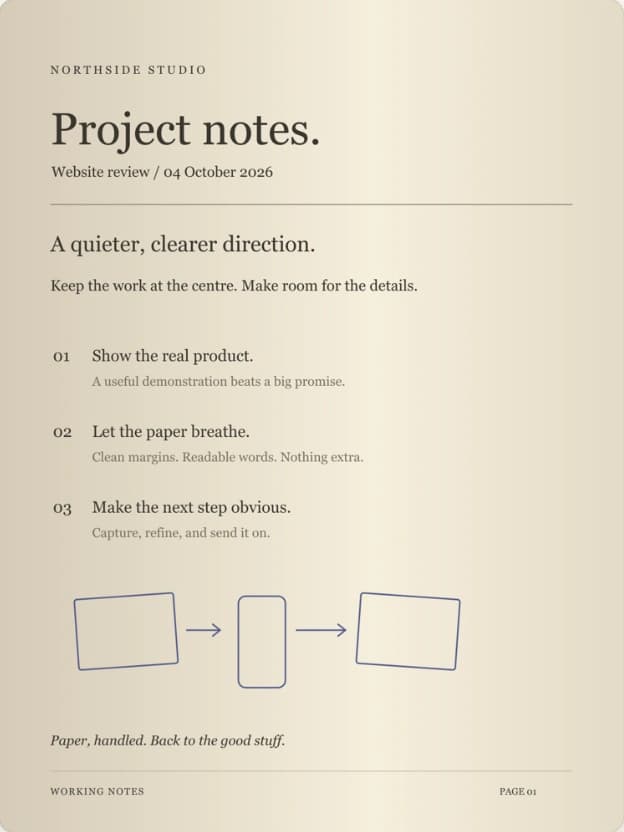
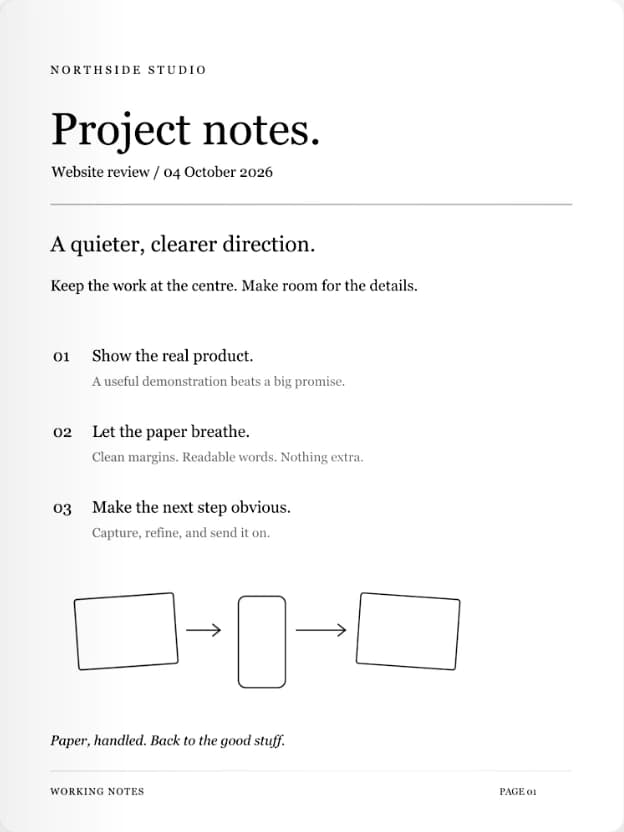
Ink Saver clears the background and brings the words forward. A page that is easier to read, share, and print.
This is the real filter output from our sample document.
Results depend on the page and lighting. Ink Saver is a Pro feature.
02 / The details, in order
Review the pages. Adjust the crop.
Add your signature. Keep the words you need.
A clear preview with room
to see what you are working on.
Rotate and crop. Add pages.
Choose the finish before saving.
Combine pages into one document. Reorder, remove, or add a page before export.
Add a signature directly to a document. No printing and rescanning.
Extract text with OCR. Copy useful content instead of typing it all again.
03 / On to the next thing
That form. Those notes. This morning’s receipt.
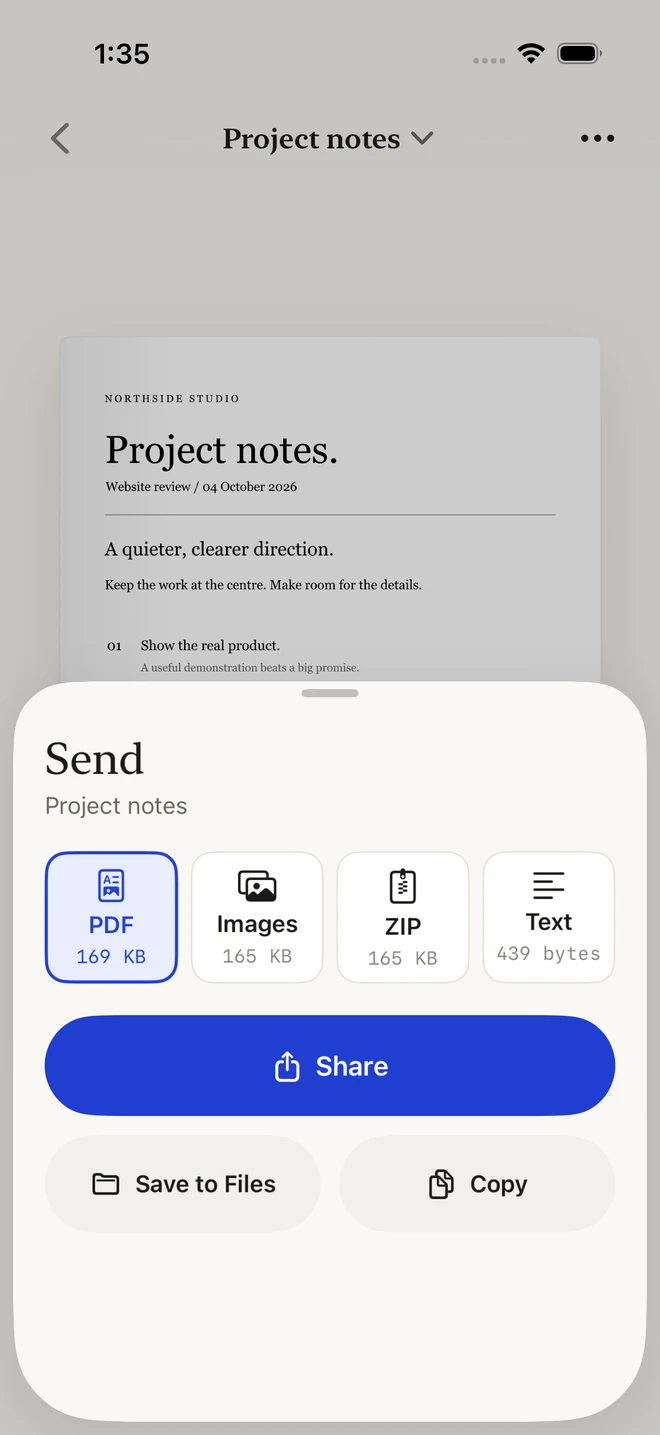
Save a PDF to Files or share it with the apps
you already use.
Text export and other advanced tools require Pro.
Yes. Scan IT is free to download, with in-app purchases for ScanIt Pro. See the App Store and the app for current pricing and available features.
Notes, receipts, homework, forms, contracts, and other paper documents. You can scan with your camera or import an existing photo.
Yes. Crop, rotate, reorder, and refine your pages, then add a signature using the built-in signature workflow.
Scan IT includes OCR text extraction so you can copy and reuse content from your documents.
Export your document as a PDF and share it to Files, Mail, Messages, and other apps through the iOS share sheet.
Scan IT is available for iPhone and iPad. Check the App Store listing for the current operating system requirements.

Paper, handled.
For iPhone & iPad · Free to download · In-app purchases